Turning customer conversations into actionable insights
Project: Vicom
Role: Product Designer
Timeline: 1 week
Project Overview
This case study explores the development and implementation of an AI-powered customer call analysis solution aimed at enhancing the customer experience. The project focused on leveraging advanced technologies to extract valuable insights from customer video/audio call sessions and drive actionable improvements across the organization.
The Challenge
Companies find the manual process of analyzing and extracting insights from recorded customer call sessions to be challenging. The process is time‑ consuming with difficulty in identifying patterns and trends across multiple call sessions.
The Objective
To design an AI solution platform for automating the transcription process, performing sentiment analysis and extracting key topics.
The Design Solution
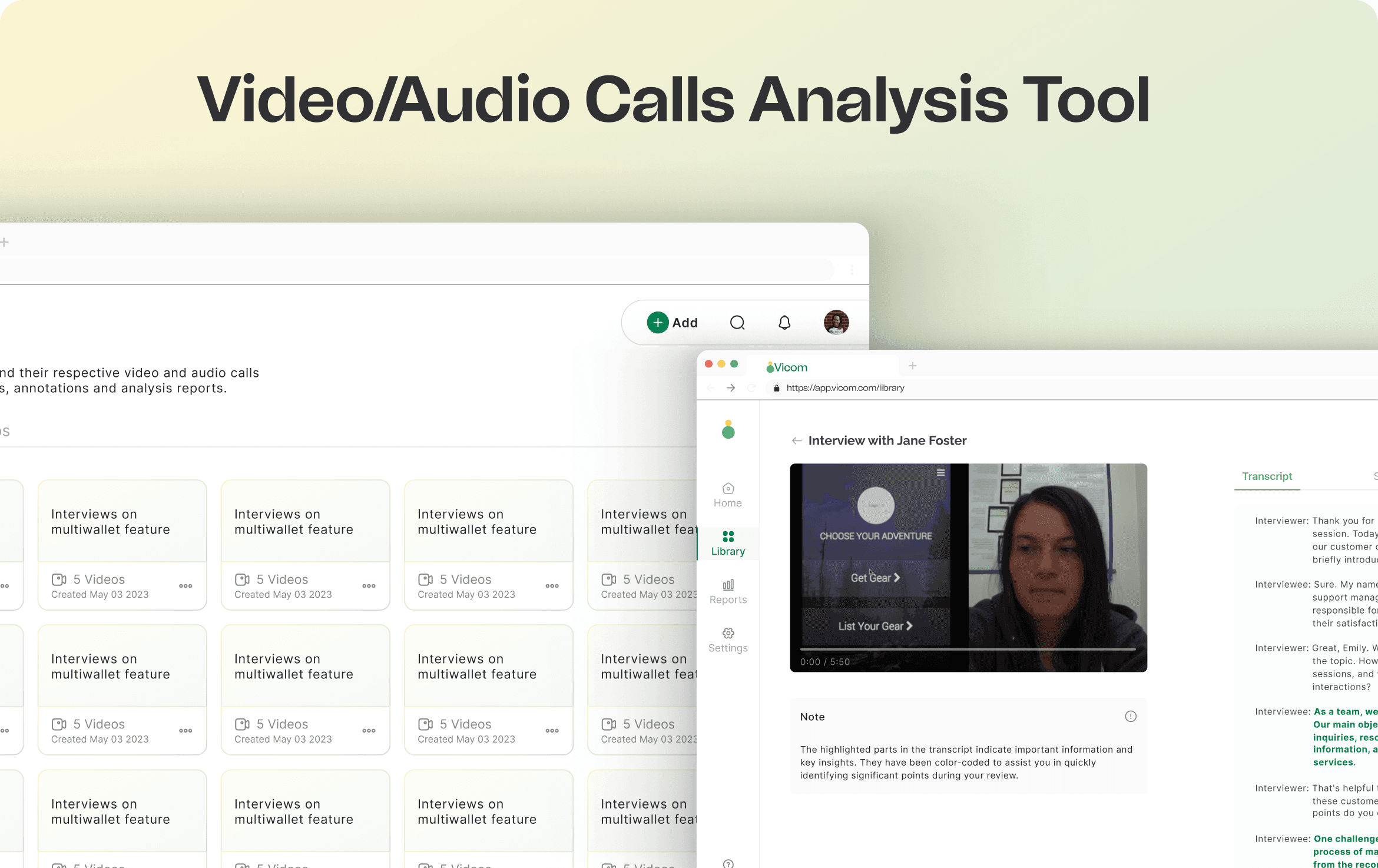
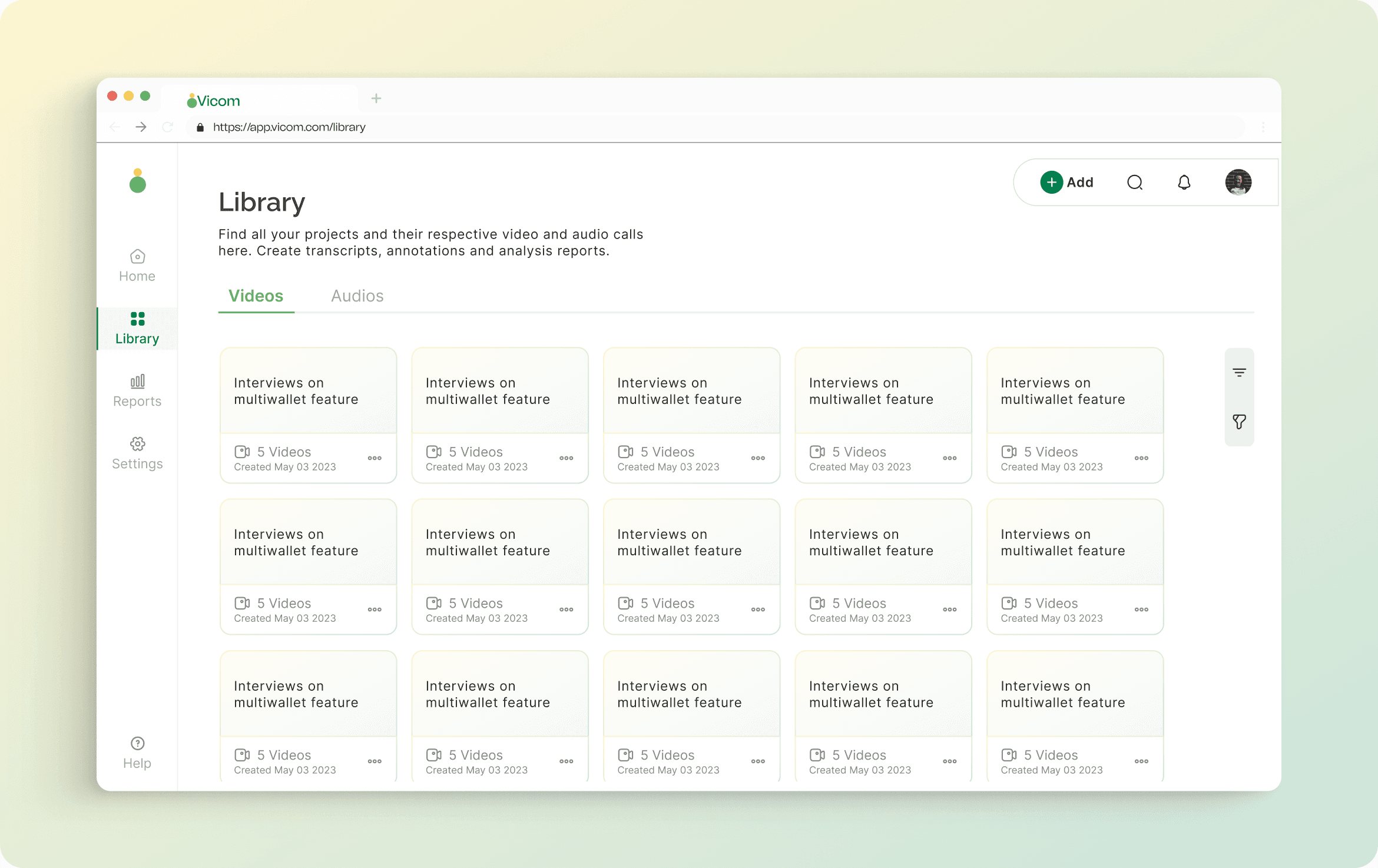
The solution provides a Library where all video and audio call projects can be found. From this Library, the user can see all the projects they've created whether for video or audio calls, with each project containing their respective videos or audios.
For the top bar, the grouped action button, search icon, notification icon, and profile are designed to keep the interaction familiar while improving clarity and focus. When the search icon is clicked, the input is auto‑focused with clear affordances.
Video Project Overview
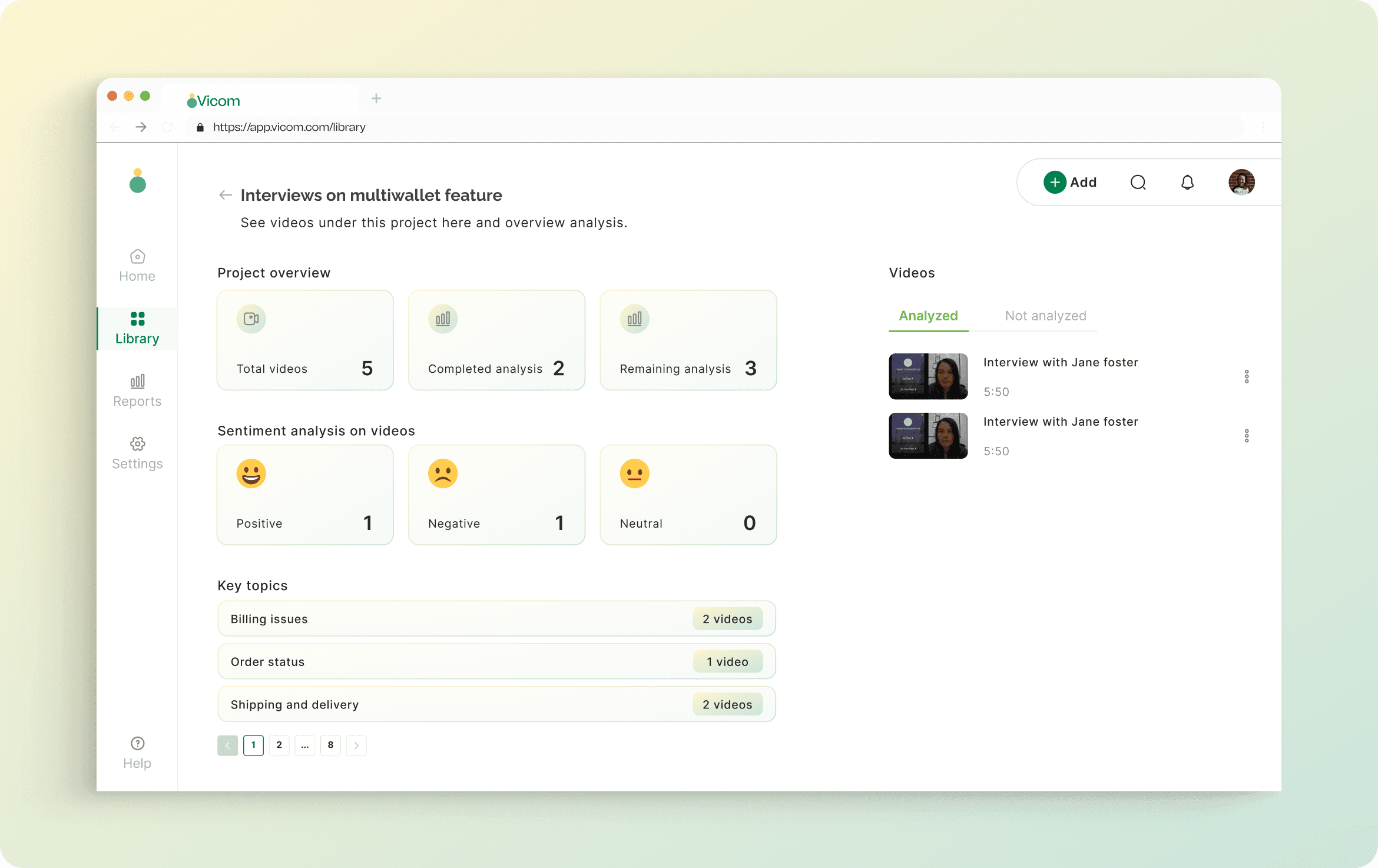
The overview screen shows all videos under a project to give a quick understanding of everything happening within that project. Key topics show how often they appear across videos.
Video Detail Page
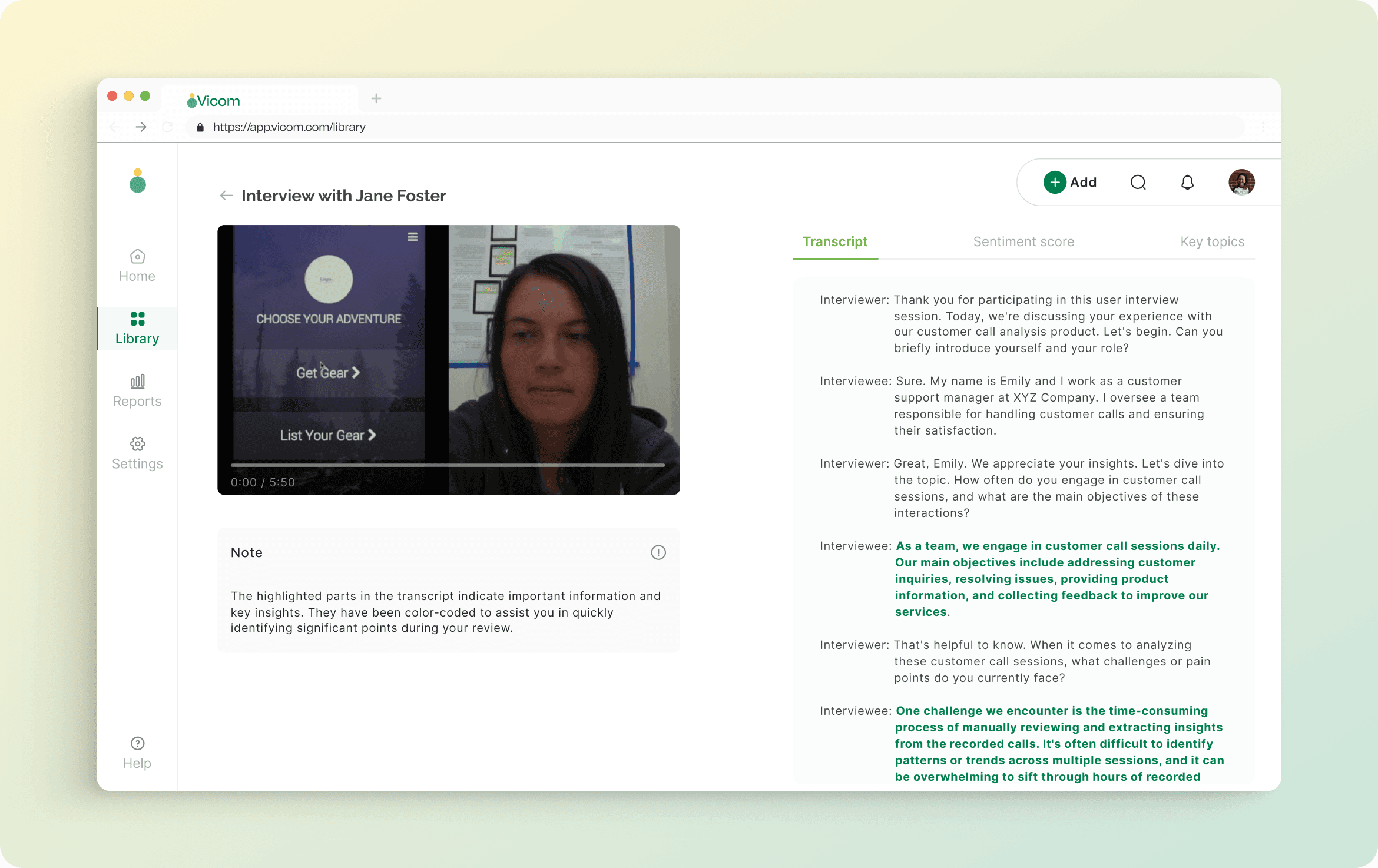
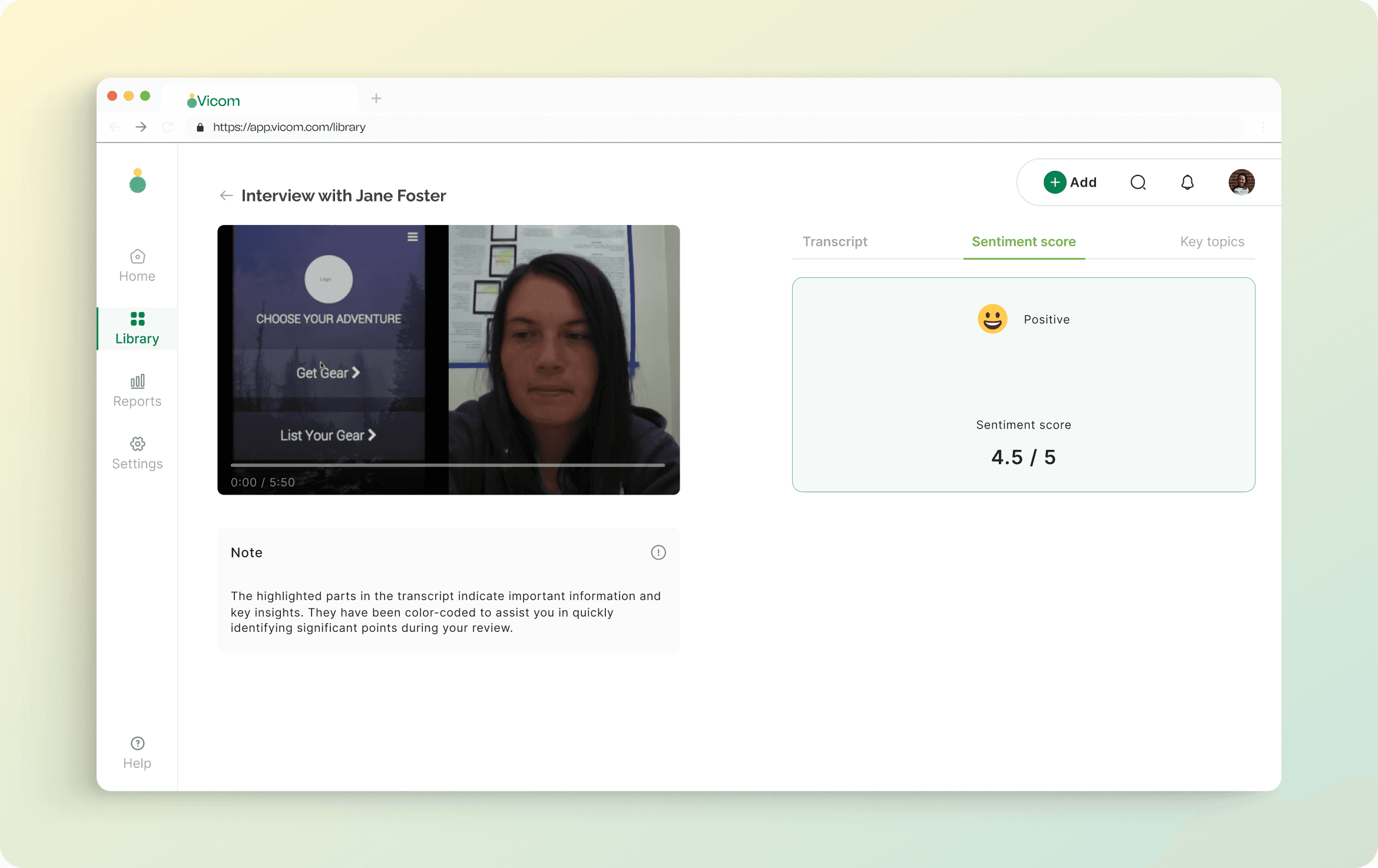
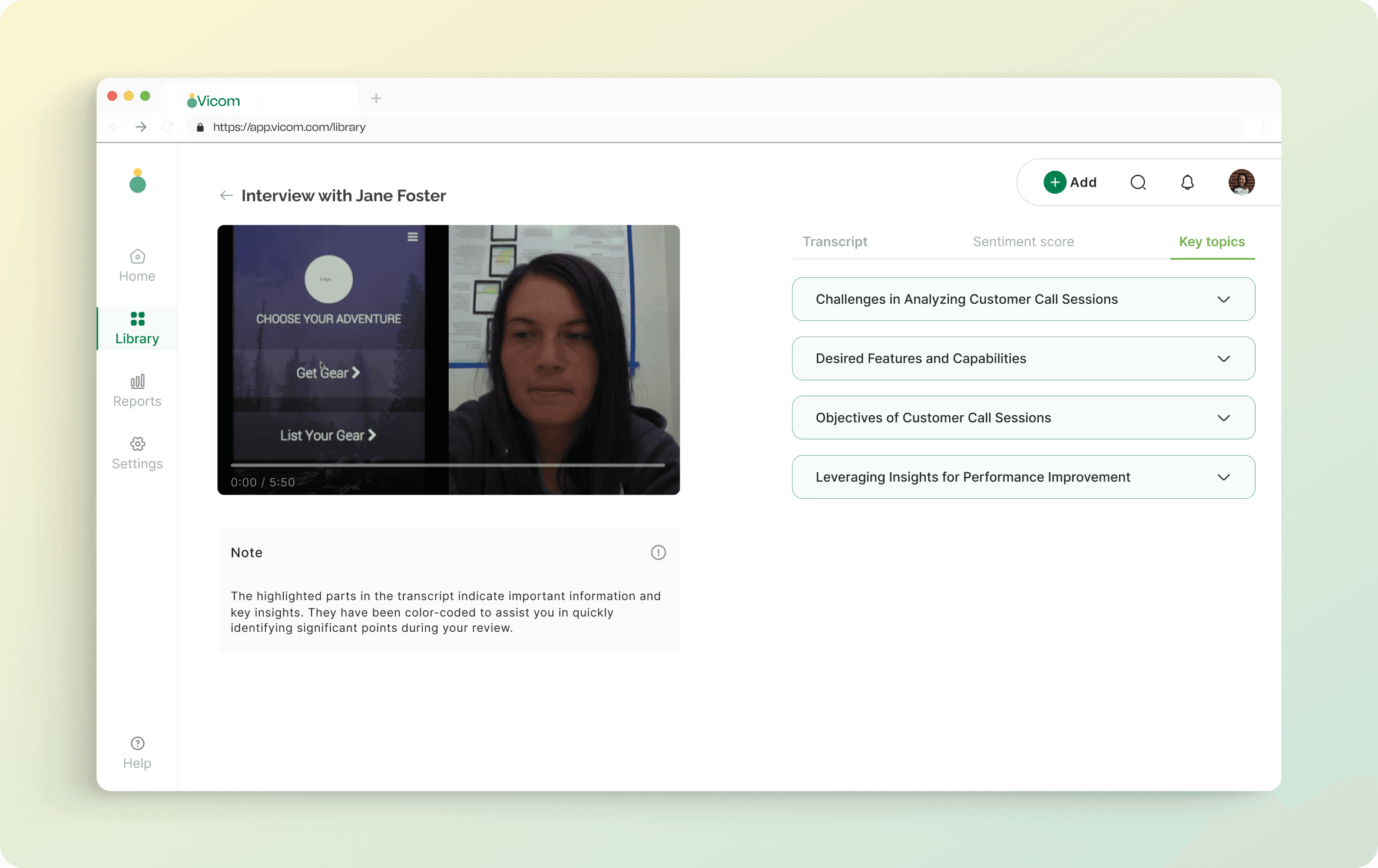
When a user opens a video, they can see the generated transcript, sentiment score and key topics. Important transcript segments are highlighted to surface key insights quickly.
Vicom video detail 1
What I learned and what next?
I've been learning about AI and testing my product design skills on AI solutions. Designing effective AI UX requires contextual thinking and an understanding of the broader system: objective, data and algorithm. I explored concepts like supervised and unsupervised learning, and went hands‑ on with fundamentals such as regression and classification.
Next, I plan to design collaborative annotations on video analyses so team members can contribute and discuss insights in context.
More Screens
Additional screens from the case study.
Vicom cover
Conclusion
The AI-powered customer call analysis solution streamlines analysis while enabling data‑driven decisions and targeted improvements. By automating transcription, performing sentiment analysis, and extracting key topics, the platform saves time and reveals actionable insights that improve customer experience.